A plain-language breakdown of bell schedules, lunch menus, and real school data — versus the marketing copy you've probably already read.

Every family organization app says it. Usually somewhere in a hero section, in a clean sans-serif font, next to a smiling stock photo of a child doing homework: "Integrates with your school calendar."
It sounds like a solved problem. It is not.
If you've ever downloaded one of these apps hoping to finally get your kid's school schedule out of your head and into something automatic, you've probably hit the same wall: after setup, the app knows your kid has school from 8am to 3pm. That's it. No early release days. No minimum days. No bell schedule. No idea that Tuesday is pizza day or that the spring field trip got moved.
This article is about what "school calendar integration" typically means in the family app space, what it could mean in an ideal world, and what Domistiq actually delivers — including where it still falls short.
What Most Apps Mean When They Say "School Calendar Integration"
When a family app advertises school calendar sync, there are essentially three tiers of what that can look like in practice.
Tier 1: Manual Import (The Bare Minimum)
The most common implementation is a generic .ics file import or a link to your school's public Google Calendar. The app ingests whatever the school bothered to publish — which is often just major holidays and minimum days — and adds them to your family calendar. You do the data entry. The app just stores it.
This is useful, but it's not integration. It's copy-paste in a fancier interface.
Tier 2: iCal/Google Calendar Sync
A step up: the app connects to your existing Google Calendar or Apple Calendar account, where you may have already subscribed to school-published calendars. Events sync automatically when the school updates their feed. This is more dynamic, but you're still dependent on:
- Your school actually maintaining a public calendar feed
- That feed containing more than just holidays
- You having already subscribed and configured it
Most schools are inconsistent here. Elementary school teachers often run their own classroom calendars separately. Lunch menus live on a different website. Bell schedules aren't events at all — they're PDFs.
Tier 3: Direct School Data Indexing
This is where things get genuinely useful — and genuinely rare. Instead of relying on whatever the school chose to publish in calendar format, an app that does real school data indexing goes directly to school websites, district portals, and school information systems to pull structured data: event schedules, cafeteria menus, and yes, bell schedules.
This is what Domistiq is attempting to do.
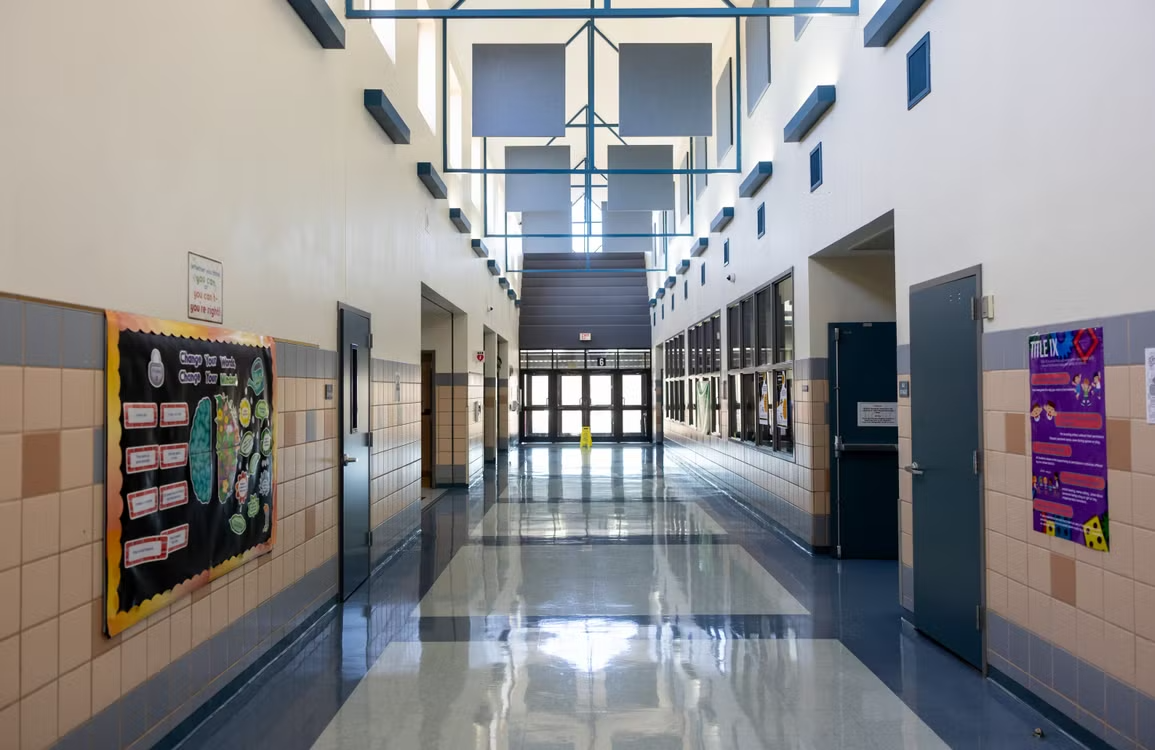
What "Bell Schedule" Actually Means (and Why It Matters)
A bell schedule isn't just when school starts and ends. It's the architecture of the school day:
| Period | Start | End |
|---|---|---|
| 1st Period | 8:05 AM | 8:55 AM |
| 2nd Period | 9:00 AM | 9:50 AM |
| Nutrition Break | 9:50 AM | 10:05 AM |
| 3rd Period | 10:10 AM | 11:00 AM |
| 4th Period | 11:05 AM | 11:55 AM |
| Lunch | 11:55 AM | 12:35 PM |
| 5th Period | 12:40 PM | 1:30 PM |
| 6th Period | 1:35 PM | 2:25 PM |
And that's just the regular schedule. Most schools have multiple variants:
- Regular day — full schedule above
- Minimum day — school ends hours earlier, no lunch
- Late start — school begins 90 minutes late
- Assembly schedule — one period is compressed or skipped
- Finals schedule — completely different timing, two exams per day
None of these show up reliably in an .ics file. They require pulling structured data from the school's own systems or website, standardizing it, and presenting it in a way that's actually usable. It's not a glamorous engineering problem. It's a hard one.
Domistiq pulls bell schedules in for supported schools. If your child's school is indexed, you can check the schedule directly in the app — not just "school from 8 to 3" but the actual period-by-period breakdown for that day's schedule type.
The Cafeteria Menu Problem
Lunch menus are a surprisingly underrated piece of family logistics.
If your child has dietary restrictions — allergies, vegetarian preferences, religious requirements — knowing what's on the menu matters. So does knowing whether your kid is going to come home announcing the cafeteria had pizza and they want dinner anyway, or whether they quietly went hungry because they didn't like what was served.
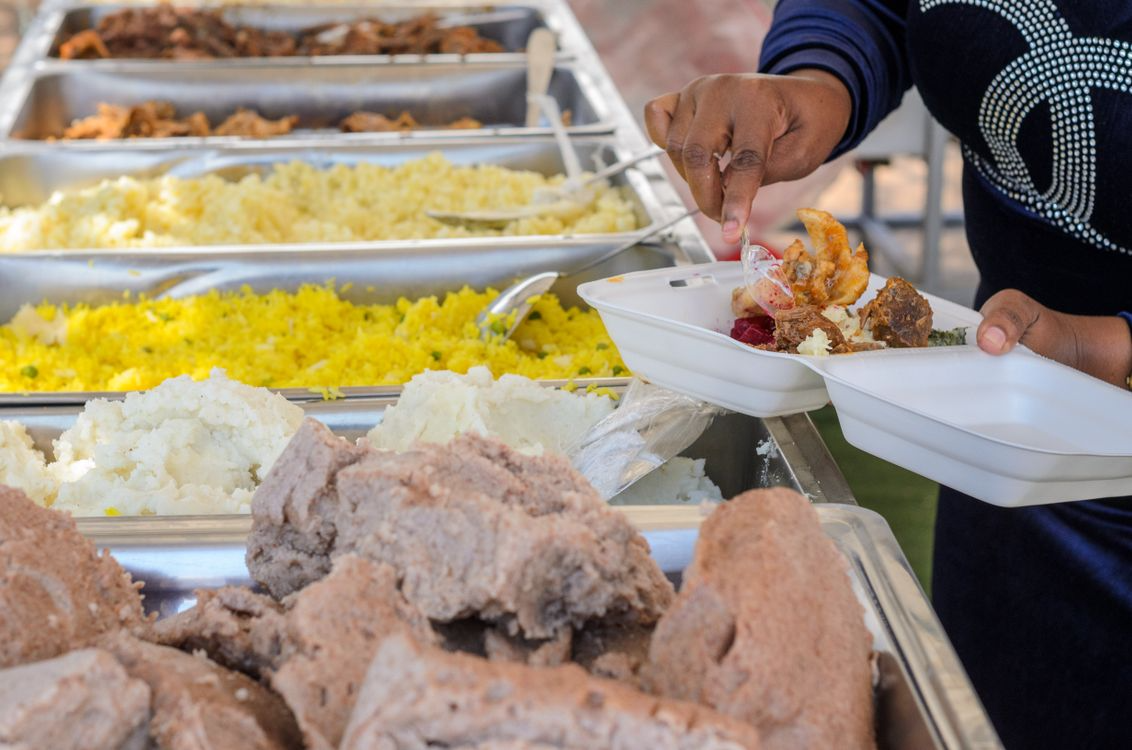
Most apps don't touch this at all. The ones that do usually link out to the district's website. Domistiq pulls cafeteria menus directly into the app for supported schools, which means you can see what's being served without opening a PDF or navigating a district web portal.
Is this a killer feature? No. Is it the kind of small friction-reducer that compounds over the course of a school year? Absolutely.
Where Domistiq Is Honest About Its Limits
Here's where we give the app credit for something you don't often see: Domistiq is upfront that not all schools are available.
Their website states plainly: "Schools in the USA are currently referenced in our database, and schools are indexed periodically. Not all schools are available or compatible."
Their school directory covers U.S. schools across all 50 states — districts in Alabama, California, Texas, New York, and everywhere in between, totaling thousands of indexed districts. But coverage is not uniform. A large urban district in California may be fully indexed with current menus and bell schedules. A small rural district in the same state may have minimal data, or none at all. Schools outside the U.S. are not currently supported.
This is the honest version of school calendar integration. It's not a checkbox that's either on or off — it's a data problem with incomplete coverage, and reasonable people should know that before they download the app expecting their specific school to work perfectly.
Before signing up, it's worth checking whether your school or district appears in Domistiq's school directory. They maintain a searchable map at domistiq.com/map.
What Else Domistiq Does (Beyond School Integration)
School data is one piece of Domistiq's offering. The broader pitch is a household coordination layer: a single app where school schedules, family calendars, chores, and reminders coexist.
Calendar sync: Domistiq connects with Google Calendar, Apple Calendar, and Microsoft Calendar. If your family already lives in one of those ecosystems, events flow in automatically.
Chores and tasks: The app includes a recurring chore system with assignment to family members, overdue alerts, and a gamification layer (points, streaks, leaderboards) aimed at keeping kids engaged.
AI input methods: You can forward an email to Domistiq and have it automatically create calendar events. Snap a photo of a school flyer and it parses the dates. Speak a reminder aloud. These features reduce the manual overhead of keeping a family calendar current — though AI parsing is never perfect and some manual review is advisable.
Multi-user family accounts: Everyone in the household has their own profile and can log in individually, useful for a shared kitchen tablet or the family's various devices.
Platforms: Available on iOS, Android, and Mac. No Windows version yet, though the company says to contact them if you need one.

The Real Comparison: What You're Actually Choosing Between
If you're evaluating Domistiq against other family apps, here's a clearer picture of what differentiates them in the school data category specifically:
| Feature | Generic Family App | Domistiq |
|---|---|---|
| Basic calendar events | ✅ | ✅ |
| Google/Apple Calendar sync | ✅ | ✅ |
| School holiday importing | Manual or via .ics | Automated (where supported) |
| Bell schedule access | ❌ | ✅ (where indexed) |
| Cafeteria menus | ❌ | ✅ (where indexed) |
| School event integration | Via Google Cal only | Direct indexing |
| Multi-schedule support (late start, min day, etc.) | ❌ | ✅ (where indexed) |
| Coverage | n/a | US only, varies by district |
The caveat "where indexed" is load-bearing. If your school is covered, Domistiq is genuinely doing something other apps aren't. If it's not, you're paying for a solid family calendar app with some AI conveniences — which isn't nothing, but it's also not the headline feature.
Should You Try It?
That depends on what you need.
If the bell schedule and cafeteria menu features sound useful, the first step is checking whether your school is actually in Domistiq's directory. There's no point in building expectations around a feature that won't work for your situation. Use the school finder before committing.
If your school is indexed, Domistiq is doing something genuinely hard that competitors haven't prioritized: pulling real, structured data from school systems and surfacing it in a family-facing app. That's worth something, and it's likely to get better over time as more schools are added.
If your school isn't indexed, Domistiq is still a capable family organizer — calendar sync, chores, AI input tools, multi-user accounts. Those features are solid and the gamification layer is a legitimately different approach to the "get kids to do chores" problem. But you should evaluate it on those merits, not the school data story.
Domistiq is currently in beta. It's not a finished product claiming to have everything figured out. The school coverage will expand. The AI input tools will improve. For families whose school is already in the system, it's a meaningful upgrade over the "paste an .ics link and call it integration" approach that most competitors are quietly getting away with.
Domistiq is available on iOS and Android. A 7-day free trial is included; after that, a subscription is required. School availability can be checked at domistiq.com/map.